Calls that go directly
from you to them
Peer-to-peer audio and video calls in Chrome. No servers in between, no registration, no phone number. Install and start calling in seconds.
Works in any Chromium browser · No account needed
Get started
Start calling in 30 seconds
Install the extension
Add Sidecall to Chrome from the Web Store. One click, no registration.
Share your ID
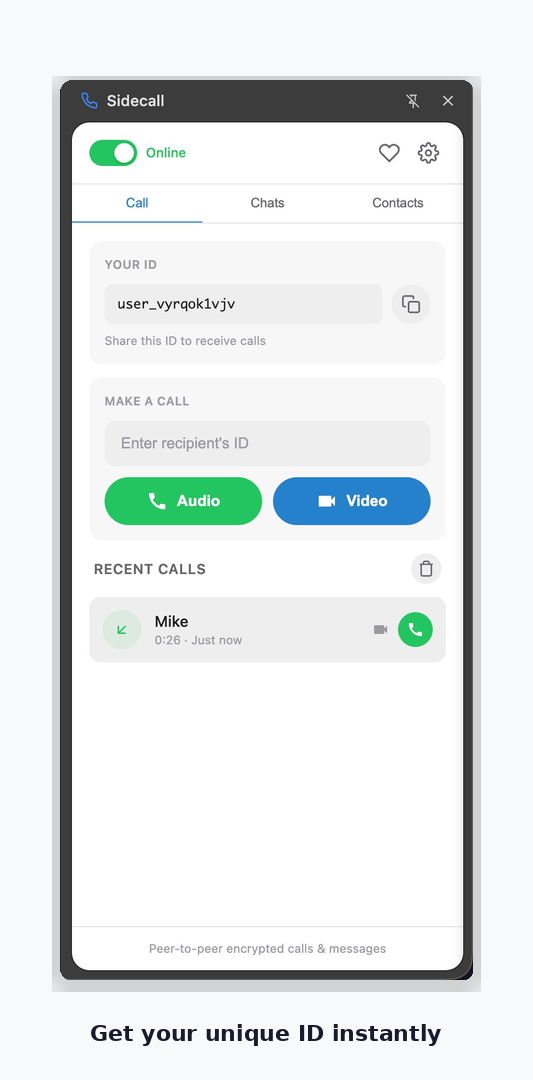
You'll receive a unique ID automatically. Send it to the person you want to call.
Call directly
Enter your contact's ID and call. Your voice goes straight to them — no middleman.
See it in action
Simple, clean, and private
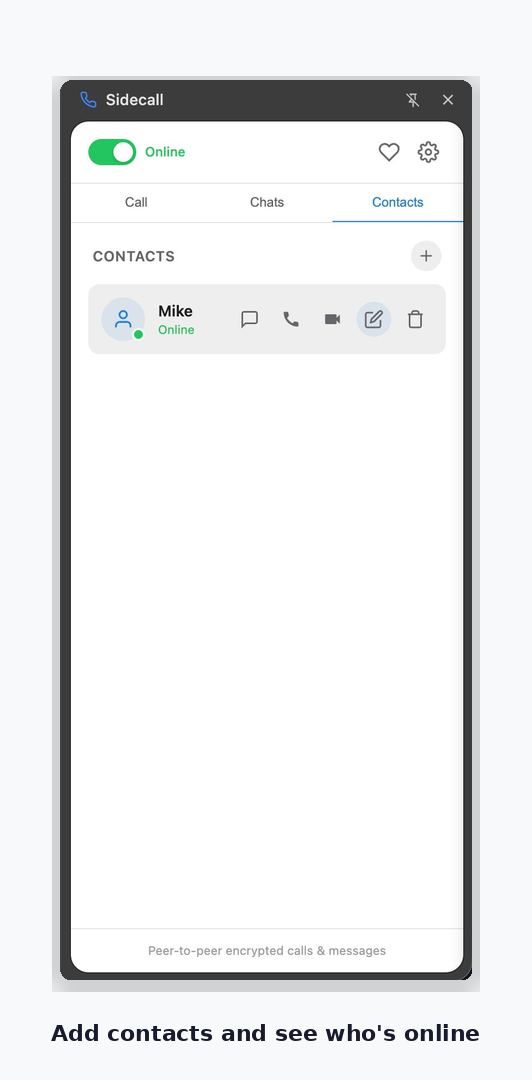
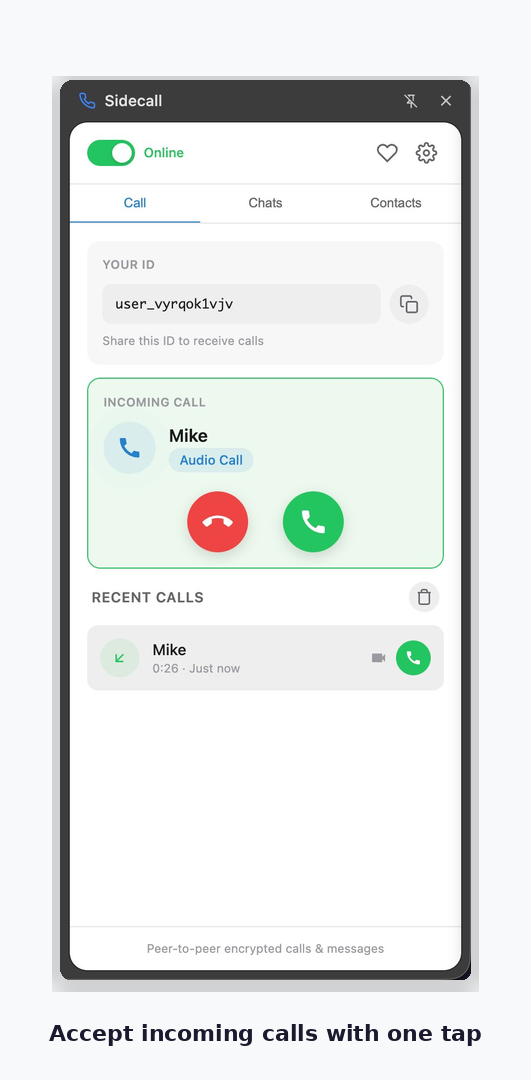
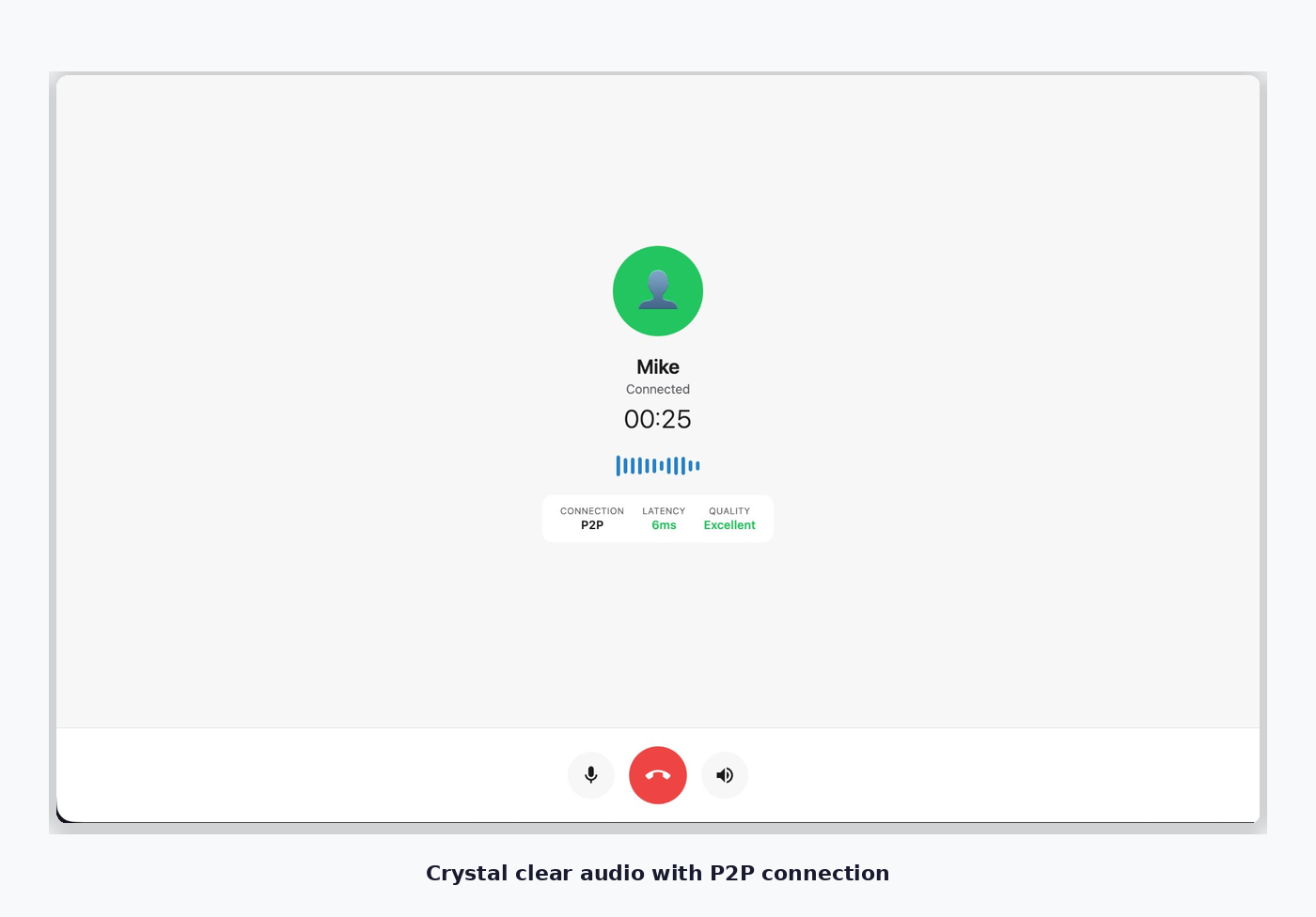
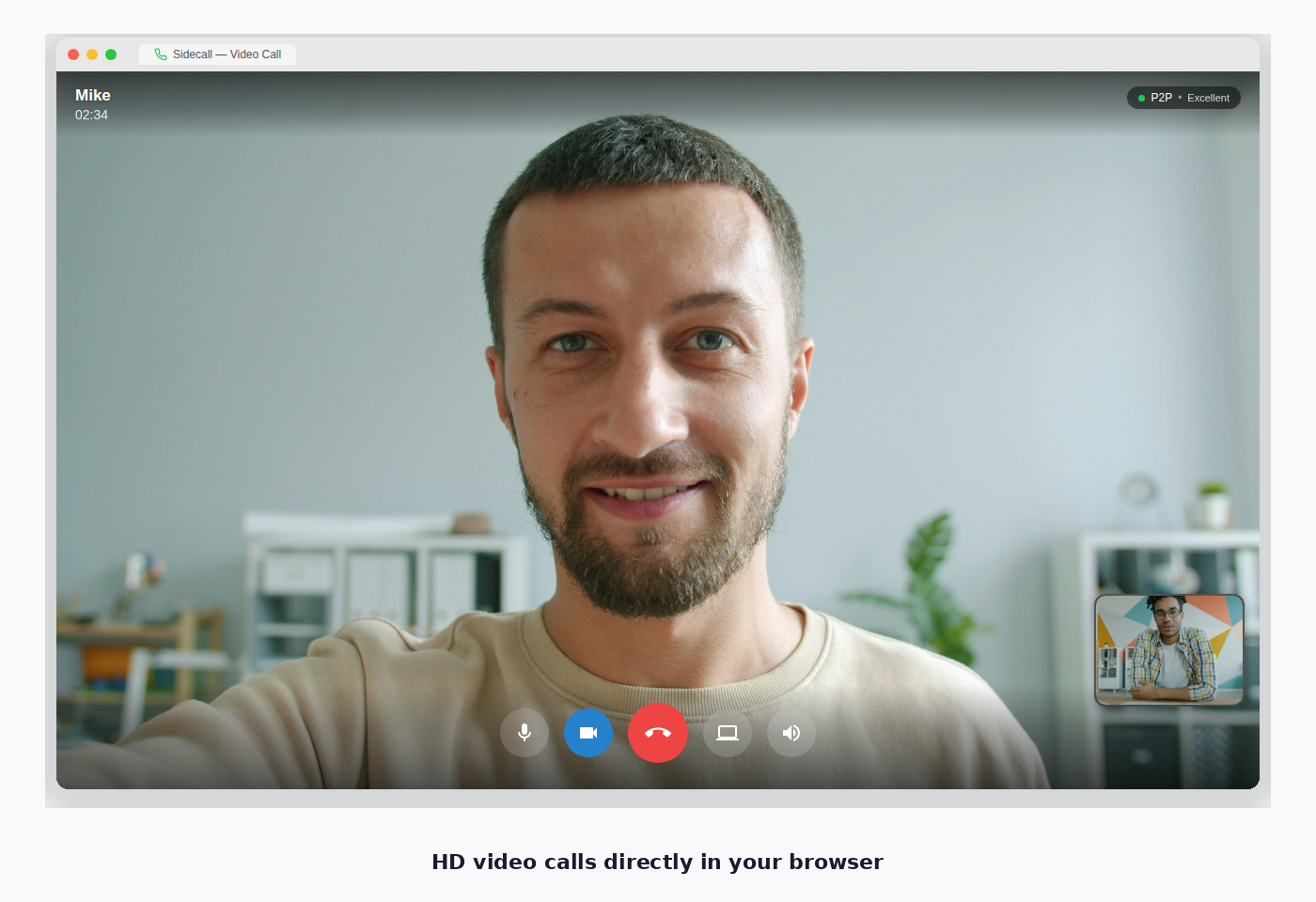
From install to your first call — here's what the experience looks like.
Peer-to-Peer Technology
Your voice goes straight
to your contact
Sidecall uses WebRTC peer-to-peer technology. This means your audio and video travel directly between browsers — no company server ever touches your conversation.
-
True privacy Your calls never pass through any company server. Only you and your contact can hear the conversation. There is nothing to intercept.
-
End-to-end encryption All audio and video data is encrypted using DTLS-SRTP before it leaves your browser. Even if someone intercepts the traffic, they can't decode it.
-
No registration or phone number Install the extension and get a random ID. Share it with your contact — that's all. No email, no phone number, no personal data required.
-
Lower latency Since data travels directly between browsers without a middleman, calls have minimal delay — often better than centralized services.
-
No data stored anywhere We don't record calls, don't store messages on our servers, and don't log who you talk to. Your communication history stays on your device only.
Features
Everything you need for
private communication
Audio & Video Calls
High-quality calls with adaptive bitrate. Works great even on slower connections. Switch between audio and video anytime.
Secure Messaging
Send text messages that only you and your contact can read. Messages are stored locally on your device — never on a server.
End-to-End Encrypted
All calls and messages are encrypted on your device before being sent. Nobody can listen or read — not even us.
Emoji Verification
Verify your contact's identity with a unique emoji fingerprint. Know for sure you're talking to the right person.
No Account Required
No phone number, no email, no signup. Install the extension and you're ready. Share your ID to start calling.
Incoming Call Alerts
Get notified when someone calls you, even if the extension panel is closed. Never miss a call.
TURN Relay
When direct connection
isn't possible
Most calls connect directly via P2P. But some networks (corporate firewalls, strict NAT, hotel Wi-Fi) block direct connections. TURN relay is an optional feature that routes your call through a secure relay server to ensure connectivity.
How does Sidecall decide?
When you make a call, Sidecall first tries a direct P2P connection — the fastest and most private option. If your network blocks that, it automatically falls back to STUN (still direct, still free).
Only when both fail — which happens on roughly 10-15% of networks — does Sidecall suggest switching to TURN relay. You'll see a prompt in the extension and can choose to enable it.
Important: Even with TURN, your call remains encrypted end-to-end. The relay server passes encrypted data through but cannot see or hear your conversation.
| P2P (default) | TURN relay | |
|---|---|---|
| Cost | Free | $5/month |
| Encrypted | Yes | Yes |
| Server involved | No | Relay only |
| Works through firewalls | Sometimes | Always |
| Latency | Lowest | Slightly higher |
TURN Relay
Cancel anytime · Managed via Stripe
- Calls work through any firewall or NAT
- Still fully encrypted end-to-end
- Works on hotel, office & campus Wi-Fi
- Global relay servers for low latency
- Support independent development
Privacy
Your conversations
belong to you
Sidecall was designed so that we have as little access to your data as technically possible. We can't read your messages, listen to your calls, or see who you talk to.
-
No data collection We don't collect call content, messages, or metadata about your conversations
-
Encryption on your device All encryption and decryption happens in your browser, not on a server
-
Minimal server role Our signaling server only helps establish the initial connection, then steps aside. It never handles call data.
Ready to make your first call?
Install Sidecall and start a private conversation in seconds.
Add to ChromeContact
Have a question or feedback?
Whether you found a bug, have a feature request, or just want to say hi — we'd love to hear from you.
- We typically respond within 24 hours